Quick answer: Pinterest SEO means using the words people search for on Pinterest in the places Pinterest reads: your pin title, description, image text, alt text, board names and profile. Find keywords with Pinterest’s search bar or a Pinterest keyword tool, put the main keyword at the start of your pin title, use a clear 2:3 image, link to a matching page, and post fresh pins every week.
Pinterest isn’t really a social network. Most people don’t come to see what their friends posted. They come to search for ideas: dinners, outfits, wedding decor, home projects. That’s why a pin can keep sending visitors for months or even years, long after a post on any other platform has disappeared.
This guide covers how Pinterest search works, where to put keywords, how to find the right ones, and a weekly routine you can actually keep up.
Key takeaways
- Pinterest ranks pins by relevance first: the words on and around the pin must match the search.
- Put your main keyword at the start of the pin title, in the first sentence of the description, on the image and in the board name.
- Use specific phrases of 2–5 words people really search, like “small kitchen storage ideas”, not “kitchen”.
- Fresh pins (new images) get more reach than saving the same image again and again.
- Pinterest SEO is slow: expect 1–3 months before pins pick up steady traffic, then traffic keeps growing.
How Pinterest search works
When someone searches on Pinterest, it has to decide which of billions of pins to show. It looks at four kinds of signals:
| Signal | What Pinterest looks at | What you control |
|---|---|---|
| Topic match | Title, description, text on the image, alt text, board, linked page | Your keywords and image |
| Pin quality | Saves, clicks, close-ups and how people react to the pin | Design and how useful it is |
| Source quality | Whether the linked site is trustworthy and the page matches the pin | Your website and links |
| Your account | How consistently you post good pins in a clear niche | Your posting habits |
Two things follow from this. First, the words matter more than most people think, because Pinterest can only show a pin for searches it understands. Second, a pin has to earn its place with real engagement, so keywords alone won’t carry a weak image.
Pinterest also reads your image. It picks up text on the pin and what’s in the photo, so a pin titled “Easy Vegan Curry” with a clear photo of curry and the words “Easy Vegan Curry” on the image sends one strong, consistent signal.
Pinterest SEO vs Google SEO
| What ranks | A pin (image plus text) | A web page |
| Main signals | Topic match and engagement on the pin | Content, links from other sites, page experience |
| Keyword length | Short to mid phrases, often visual (“boho bedroom ideas”) | Often longer questions |
| Speed | Pins can show within days | New pages often take weeks or months |
| Shelf life | A good pin can drive traffic for years | Rankings shift with every update |
The good news: the work overlaps. A clear title, a helpful page and a strong image help on both.
Step 1: Find the right keywords
Good Pinterest keywords are phrases real people type into Pinterest. Here are four free ways to find them.
- Pinterest’s search bar. Type a broad word, like “kitchen”, and look at the suggestions that drop down. Those are popular searches.
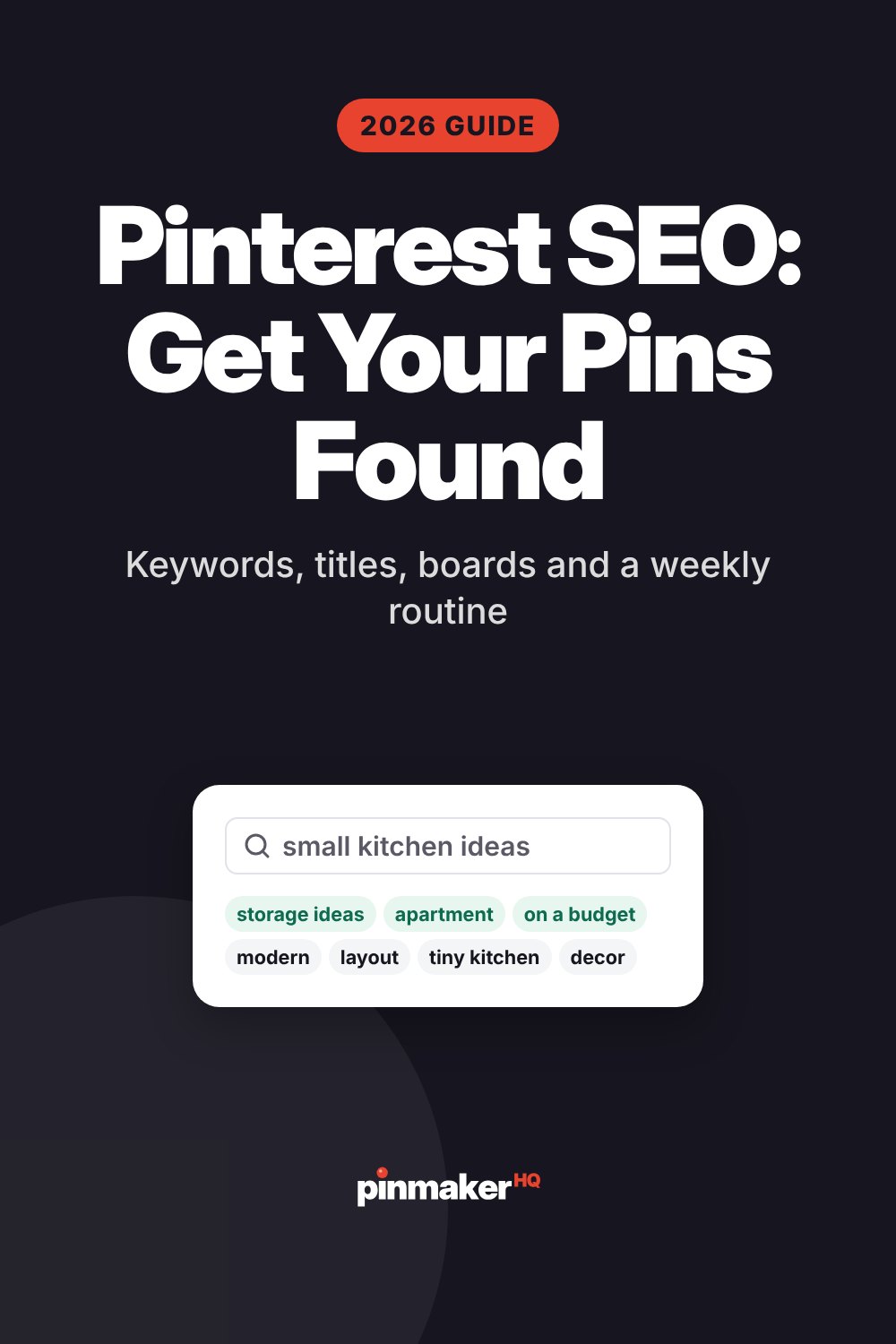
- The colored idea bubbles. Search a phrase and Pinterest shows extra words in bubbles under the search bar, like “small”, “modern” or “on a budget”. Each one is a related search.
- A Pinterest keyword tool. Our free Pinterest keyword tool pulls real Pinterest search suggestions and groups them into ideas, long-tail phrases, title ideas and board names in one go.
- Pinterest trends. The Pinterest trends tool shows what’s growing right now in the US, UK, Canada and Australia, with a yearly chart so you can see when a topic peaks.
Pick the right kind of keyword
| Type | Example | Use it for |
|---|---|---|
| Broad | “kitchen ideas” | Board names and your profile, not single pins |
| Specific | “small kitchen storage ideas” | Your main pin keyword |
| Long-tail | “small kitchen storage ideas for renters” | Pin titles and descriptions; easier to rank |
| Seasonal | “fall front porch decor” | Pins you post 45–60 days before the season |
A good rule: every pin gets one main keyword (specific) and two or three related phrases (long-tail or synonyms). Write them down before you design the pin.
Step 2: Put keywords in the right places
Pinterest reads several fields. Here’s where each keyword goes, in order of importance.
| Place | What to do | Limit |
|---|---|---|
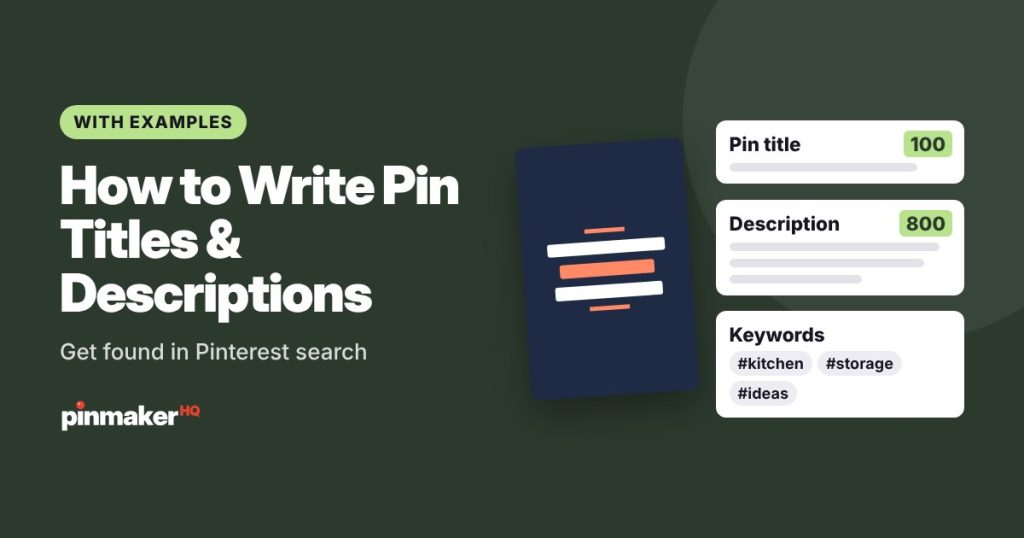
| Pin title | Main keyword in the first few words | 100 characters |
| Pin description | Main keyword in the first sentence, related phrases after | 800 characters |
| Text on the image | A short headline that includes the keyword | Keep it readable on a phone |
| Alt text | Describe what’s in the image, naturally | 500 characters |
| Board name | A searchable phrase, like “Small Kitchen Ideas” | Keep it short |
| Board description | One or two sentences with related phrases | 500 characters |
| Linked page | A page about the same topic, with the keyword in its title | – |
Pin titles
Lead with the keyword and make it read like a headline.
- Good: “Small Kitchen Storage Ideas: 20 Ways to Free Up Counter Space”
- Weak: “You Won’t Believe These 20 Tricks!”
If you’re stuck, the pin title generator writes 10 keyword-led titles for any topic. For formulas and examples, read how to write Pinterest pin titles and descriptions.
Pin descriptions
Write two to four natural sentences. Say what the pin is about, what’s inside, and what to do next.
Short on space? These small kitchen storage ideas help you use every corner, from open shelves to pull-out drawers and hidden spice racks. Budget-friendly ways to organize a tiny kitchen. Tap to see all 20 ideas.
Pinterest allows 800 characters, but you don’t need to fill it. Around 150–500 characters is plenty. The description generator can draft one for you.
Hashtags
Hashtags matter much less on Pinterest than on Instagram. A few relevant ones at the end of the description won’t hurt, but they won’t rank a pin by themselves. Spend that effort on the title and description instead. If you do use them, the hashtag generator suggests relevant ones.
Alt text
Describe what’s actually in the image for people using screen readers. It also helps Pinterest understand the pin. Don’t stuff it with keywords. The alt text generator can write it from the image.
Check before you post
Paste your title, description and alt text into the Pinterest SEO checker. It scores the pin out of 100 and flags missing keywords, titles that are too long and other common problems.
Step 3: Set up your profile and boards
Your profile and boards tell Pinterest what your account is about. A clear niche helps every pin you post.
- Switch to a free business account. You get analytics, can schedule pins and can claim your website.
- Use a keyword in your display name. For example, “Maya | Easy Vegan Recipes”. The bio generator helps with the bio.
- Claim your website. It links your pins to your site and shows your profile picture on pins from it.
- Name boards after searches. “Easy Vegan Dinners” beats “Yum!!”. The board name generator suggests searchable names.
- Write board descriptions with one or two related phrases.
- Keep boards focused. One topic per board. Ten focused boards beat one board called “Stuff I Like”.
- Give boards matching covers so your profile looks tidy. Try the board cover maker.
Step 4: Design pins Pinterest and people like
Keywords get a pin shown. The image gets it clicked. And clicks and saves help it keep ranking.
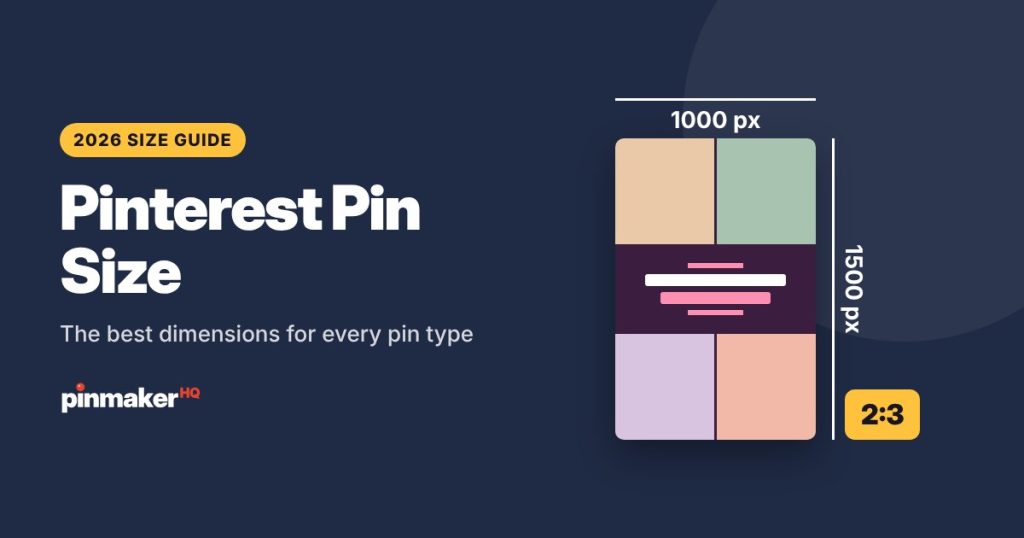
- Use a 2:3 shape, 1000 × 1500 pixels. See the full Pinterest pin size guide.
- Add a short, bold headline with the keyword on the image.
- Use bright, clear photos. Busy or dark images get skipped.
- Make several designs for each post. Different photos, layouts and title angles count as fresh pins.
- Keep file sizes small so pins load fast. The image compressor helps.
The free pin maker has 16 layouts sized for Pinterest, and the blog post to pin tool turns any article link into pins with its photos and title. For inspiration, see 15 pin design ideas.
Step 5: Link to the right page
Pinterest checks that the page you link to matches the pin. A pin about “vegan curry” that links to your homepage sends a mixed signal.
- Link to the exact post or product, never just your homepage.
- Use the full link. Avoid link shorteners.
- Make sure the page loads fast on a phone. Most Pinterest users are on mobile.
- Check your share tags. Pinterest reads Open Graph tags (title, description, image) to build rich pins. Run your page through our Open Graph checker to see what Pinterest picks up.
Rich pins
Rich pins pull extra details from your website, like an article title, a recipe’s ingredients or a product’s price. They make pins more useful and keep details up to date. Most SEO plugins add the tags rich pins need. Claim your website in Pinterest, and check the tags are right with the Open Graph checker.
Step 6: Post fresh pins consistently
Pinterest rewards accounts that post good, new pins steadily. A burst of 50 pins in one day followed by silence does less than one or two pins every day.
- New accounts: 3–5 fresh pins a week.
- Active bloggers: 1–3 fresh pins a day.
- Shops: 5–10 product pins a day.
Read how many pins to post per day for a simple 4-week plan. If you want to make a batch at once, the bulk pin maker creates pins for 10 posts and downloads them as a ZIP.
Post seasonal pins early
People plan ahead on Pinterest. Searches for Christmas ideas start climbing in September, and searches for fall decor start in the summer. Post seasonal pins 45–60 days before the event so they have time to rank. The Pinterest trends tool shows when each topic starts rising.
A simple weekly Pinterest SEO routine
| Day | Task | Time |
|---|---|---|
| Monday | Pick 2–3 posts. Find a main keyword and related phrases for each | 15 min |
| Tuesday | Make 3–5 pin designs per post | 30 min |
| Wednesday | Write titles, descriptions and alt text. Check them in the SEO checker | 15 min |
| Thursday–Sunday | Publish or schedule 1–3 pins a day | 5 min a day |
| Last Friday of the month | Check analytics: which pins got saves and clicks? Make more like them | 20 min |
How to measure Pinterest SEO
Pinterest Analytics (in a business account) shows how your pins perform. The numbers that matter most:
| Metric | What it tells you |
|---|---|
| Impressions | How often your pins were shown. Rising impressions mean Pinterest is ranking you for more searches |
| Saves | People liked the pin enough to keep it. A strong quality signal |
| Outbound clicks | People went to your website. This is the traffic you want |
| Outbound click rate | Clicks divided by impressions. Shows whether the pin makes people curious enough to click |
A pin with lots of impressions but few clicks needs a better image or headline. A pin with few impressions needs better keywords.
Common Pinterest SEO mistakes
- Keyword stuffing. A description that’s just a list of keywords reads as spam and can hurt reach.
- Vague titles. “My favorite!” tells Pinterest nothing.
- Fancy fonts in titles. Styled Unicode letters look nice but Pinterest search can’t read them. Keep those for your bio (try the font generator).
- Linking to the homepage. Always link to the exact page.
- One board for everything. Focused boards help Pinterest understand you.
- Deleting pins that “didn’t work”. Pins often pick up traffic weeks later. Leave them up.
- Giving up too early. Pinterest SEO is slow at first, then compounds.
Frequently asked questions
What is Pinterest SEO?
It’s the practice of using the words people search for on Pinterest in your pin titles, descriptions, images, boards and profile, so Pinterest shows your pins in search results and the home feed.
How long does Pinterest SEO take to work?
Most pins take a few weeks to a few months to pick up steady traffic. Accounts that post fresh, keyword-focused pins consistently usually see growth after 1–3 months, and it keeps building from there.
Do hashtags help Pinterest SEO?
Only a little. Pinterest relies mostly on your title, description, image and board. A few relevant hashtags won’t hurt, but a clear title and description matter much more.
How do I find Pinterest keywords?
Type a broad word into Pinterest search and note the suggestions, look at the related-search bubbles under the search bar, or use a free Pinterest keyword tool that pulls real Pinterest search suggestions.
How many keywords should a pin have?
One main keyword and two or three related phrases. Put the main one at the start of the title and in the first sentence of the description, and use the others naturally after that.
Is Pinterest SEO the same as Google SEO?
They overlap but aren’t the same. Pinterest ranks pins mainly by topic match and how people engage with them. Google ranks web pages using content, links from other sites and page experience.
Should I delete old pins that get no views?
Usually no. Pins often take time to rank, and deleting them throws away any engagement they have. Make new, better pins for the same post instead.
Start optimizing your next pin
Find your keyword with the Pinterest keyword tool, make the pin with the free pin maker, and check it in the Pinterest SEO checker before you post. If you’re new to Pinterest, start with how to make Pinterest pins that get clicks.
More guides: how to post on Pinterest, how to make money on Pinterest and Pinterest affiliate marketing.