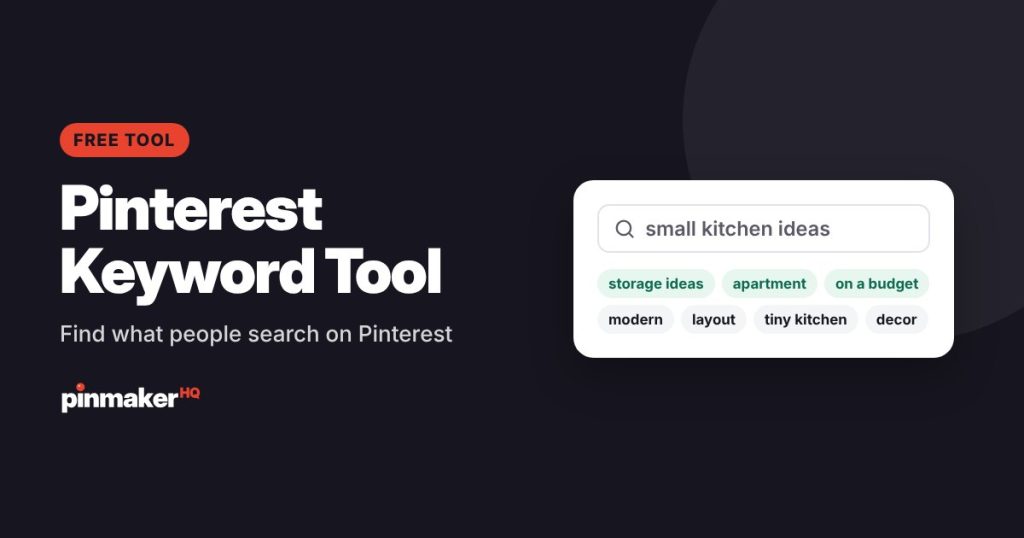
Type a topic and see what people actually search for on Pinterest. You get real Pinterest search suggestions, grouped into themes, plus long-tail keywords, pin title ideas, board names and hashtags. Copy them or download them as a CSV.
How to use the Pinterest keyword tool
- Type a topic your pin or blog post is about, like “small kitchen ideas” or “fall outfits”.
- Click Find keywords. In a few seconds you’ll see real Pinterest searches and grouped keyword ideas.
- Click any keyword to dig deeper. It becomes your new search, so you can follow a promising idea.
- Copy what you need or download everything as a CSV for your content plan.
What you get
| Section | What it is | Use it for |
|---|---|---|
| What people search on Pinterest | Real suggestions Pinterest shows as people type | Your main keywords |
| Keyword groups | Related keywords sorted into themes | Planning several pins or posts on one topic |
| Long-tail keywords | Specific 4–7 word phrases | Pin descriptions and niche posts with less competition |
| Pin title ideas | Ready-made titles under 100 characters | Your pin title field |
| Board name ideas | Short, searchable board names | New boards or renaming old ones |
| Hashtags | Relevant hashtags | The end of a description, if you use them |
| When to pin | When interest in the topic usually peaks | Timing your seasonal pins |
The real Pinterest searches are marked Real searches. The groups, long-tail keywords and ideas are marked AI ideas. They’re built from the real searches and organized by AI, so check that each one fits your content.
How to use Pinterest keywords
Pinterest reads the words around your pin to decide who should see it. Once you’ve picked a main keyword and two or three related ones, put them in these places:
- Pin title: the main keyword near the start.
- Description: the main keyword in the first sentence, plus related keywords in natural sentences.
- Board name: a board named after the topic, like “Small Kitchen Ideas”.
- Text on the pin image: a short version of the title.
- Your blog post: the same keyword in the post title and headings.
Then check your pin text with the free Pinterest SEO checker.
Tips for choosing the right keywords
- Go specific. “Small kitchen storage ideas” is easier to rank for and brings better-matched visitors than “kitchen”.
- Match your content. Only use a keyword your post really delivers on, or people will leave and stop saving your pins.
- Plan a pin per group. Each keyword group is a natural angle for a fresh pin that links to the same post.
- Think ahead for seasons. People start saving holiday, back-to-school and summer ideas weeks or months before the date, so publish early.
- Revisit your keywords. Search trends change. Run your main topics again every few months.
Frequently asked questions
Is the Pinterest keyword tool free?
Yes. It’s free with no sign-up. There’s a daily limit on new searches to keep it free for everyone. Searches someone has already run load instantly and don’t count.
Where do the keywords come from?
The “Real searches” section uses the suggestions Pinterest shows as people type in its search bar. The keyword groups and ideas are built from those searches with AI.
Does it show search volume?
No. Pinterest doesn’t publish exact search volumes, so the tool doesn’t guess. Keywords that appear in Pinterest’s own suggestions are ones people search often.
How many keywords should I use on one pin?
One main keyword plus two or three related ones is plenty. Use them naturally in the title, description and board name.
Can I use these keywords for my blog too?
Yes. Pinterest searches show what your readers want, so they make good blog post topics and headings as well.
More free tools