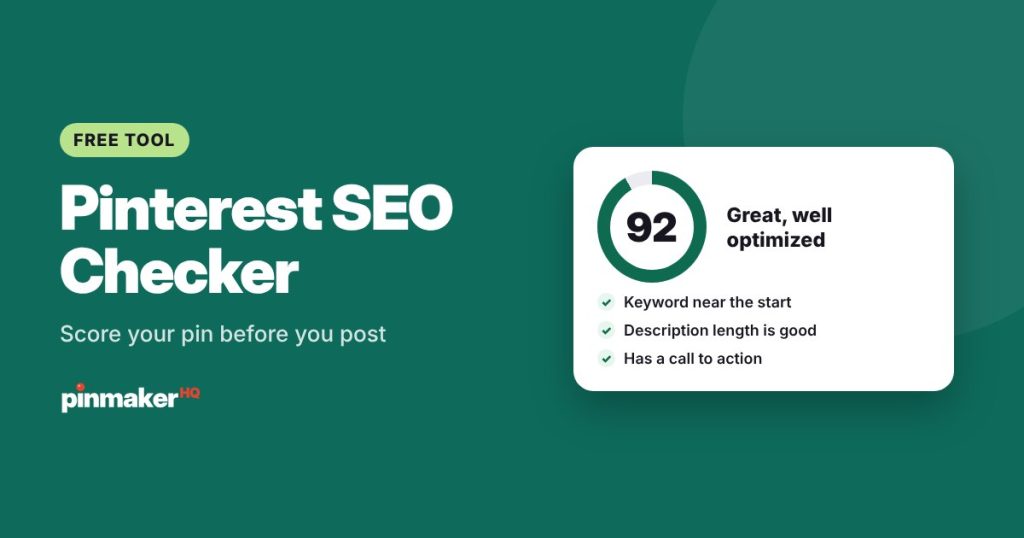
Paste your pin’s title, description and alt text, and get a Pinterest SEO score out of 100 with a clear list of what to fix. It checks length limits, keyword placement, keyword stuffing, calls to action and your link, as you type.
How the Pinterest SEO checker works
- Enter your main keyword: the phrase you want the pin to be found for, like “easy vegan dinner”.
- Add your pin title, description and alt text. The counters show how close you are to each limit.
- Add the board name and link if you want those checked too.
- Read your score and fix the red items first, then the yellow ones. The score updates as you edit.
Click Try an example to see a well-optimized pin.
What it checks
| Area | What it looks for |
|---|---|
| Keyword | A specific phrase of 2–5 words, not a single broad word |
| Pin title | Under 100 characters, keyword near the start, no all caps, hashtags or fancy letters |
| Description | Under 800 characters, keyword in the first sentence, related words, no stuffing, a call to action |
| Alt text | Present, under 500 characters, describes the image instead of repeating keywords |
| Board | The board name matches the pin’s topic |
| Link | A secure, full link to the exact page, not a homepage or a link shortener |
What your score means
- 80–100: well optimized. Your pin text is doing its job. Focus on the image and posting consistently.
- 55–79: good start. A couple of changes, usually keyword placement or a thin description, will help.
- Below 55: needs work. Start with the red items. They’re the ones most likely to stop the pin from being found.
The score is a guide built on Pinterest’s published limits and common search best practice. It can’t predict how a pin will perform, because Pinterest also weighs the image, engagement and the page you link to.
Why Pinterest SEO matters
Pinterest works like a visual search engine. People type what they want, and Pinterest decides which pins to show by reading the text around each pin: the title, description, board name, alt text and the page it links to. When all of them agree on the same topic, Pinterest has a much clearer picture of who should see your pin.
That’s also why the checker looks at more than the title. A strong title on a pin saved to an unrelated board, or linked to your homepage, sends mixed signals.
Quick wins most pins miss
- Lead with the keyword. “Small kitchen storage ideas: 20 ways to free up space” beats “20 ways to free up space in your small kitchen”.
- Write a real description. Two to four natural sentences with related words do more than a list of hashtags.
- End with a nudge. “Get the recipe”, “See all 20 ideas” or “Shop the look” tells people what to do next.
- Describe the image in the alt text, as if to someone who can’t see it.
- Link to the exact post, never your homepage.
For formulas and examples, read our guide to writing Pinterest pin titles and descriptions.
Frequently asked questions
Is the Pinterest SEO checker free?
Yes. It’s free, needs no account, and runs in your browser, so your text isn’t sent anywhere.
How long should a Pinterest pin title be?
Up to 100 characters. Put the main keyword near the start and make it read like a headline.
How long should a Pinterest description be?
Pinterest allows up to 800 characters. Two to four natural sentences, roughly 150–500 characters, work well for most pins.
Does a high score guarantee more views?
No. The score checks your text against best practice. Views also depend on your image, how people engage with the pin and the page it links to.
Should I use hashtags on Pinterest?
They matter much less than on Instagram. A few relevant ones at the end of a description won’t hurt, but a clear title and description do far more.
More free tools