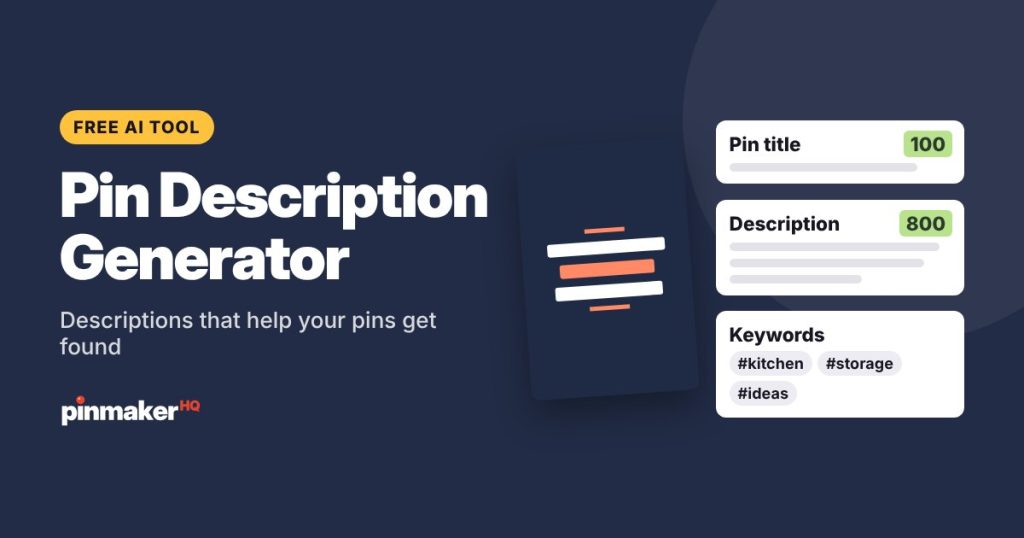
Get 5 ready-to-paste Pinterest pin descriptions in seconds. Each one leads with your keyword, mentions related searches naturally, says what’s inside the post and ends with a call to action, all within Pinterest’s 800-character limit.
How to use the description generator
- Describe the pin: what the post or product is.
- Add your main keyword, the phrase you want to be found for. Not sure which one? Find it with the Pinterest keyword tool.
- List what’s inside: the details that make your post worth clicking.
- Choose a call to action: read the post, get the recipe, shop, save or download.
- Click Write descriptions and copy your favorite.
Why descriptions matter on Pinterest
Descriptions don’t show in the main feed, but Pinterest reads them to understand your pin and decide which searches to show it for. A good description:
- Uses the main keyword early, in the first sentence.
- Adds two or three related phrases, so the pin can match more searches.
- Sounds natural. Keyword lists and stuffing don’t help and read badly.
- Ends with a nudge, like “Get the recipe” or “See all 20 ideas”.
A good description, line by line
Short on space? These small kitchen storage ideas help you use every corner, from open shelves to hidden spice racks. Easy, budget-friendly ways to organize a tiny kitchen and keep counters clear. Tap to see all 20 ideas.
- A question that matches the reader’s problem, with the keyword.
- What’s inside, with related phrases: “organize a tiny kitchen”, “budget-friendly”.
- A short call to action.
Tips
- Write a new description for every fresh pin, even when they link to the same post.
- Keep hashtags optional. A few at the end won’t hurt, but the words do the work.
- Check it with the Pinterest SEO checker before you post.
Frequently asked questions
Is this Pinterest description generator free?
Yes, with several free tries a day and no sign-up. Asking for the same pin again is free.
How long should a Pinterest description be?
Pinterest allows up to 800 characters. Two to four sentences, about 150 to 450 characters, work well, and each result shows its length.
Does the description show on my pin?
It shows when someone opens your pin, not in the main feed. Pinterest still reads it to decide who sees the pin.
Should I include hashtags?
They’re optional on Pinterest. If you want some, get relevant ones from the hashtag generator and add a few at the end.
More free tools