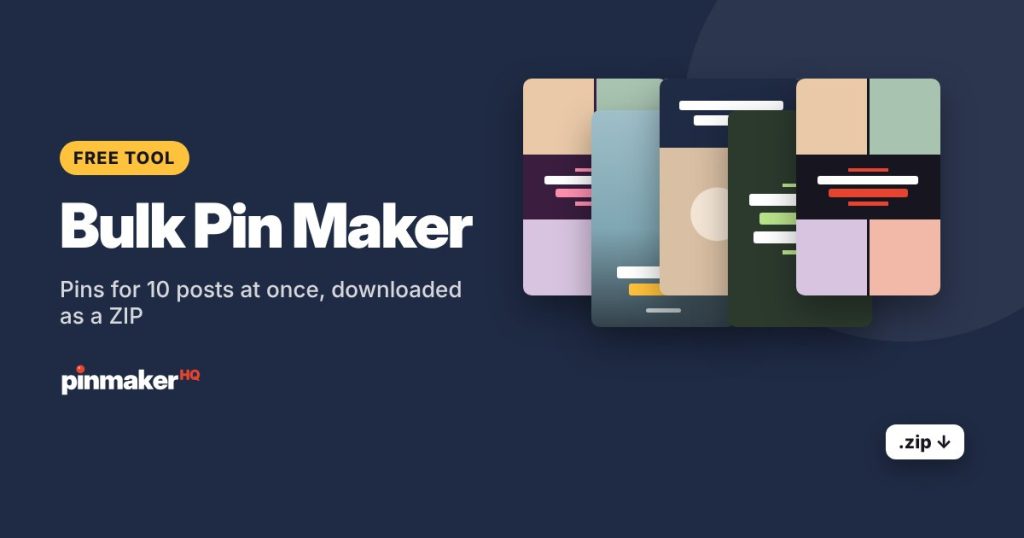
Paste up to 10 blog post links and get up to 3 ready-made Pinterest pins for each post, with the titles and photos pulled in for you. Edit any title, switch layouts, then download them all at once as a ZIP file.
How to make pins in bulk
- Paste your blog post links, one per line, up to 10 at a time.
- Choose how many pins per post: 1, 2 or 3. Each pin for a post gets a different layout and photo order, so they look like fresh pins.
- Pick colors, a font and your website, so every pin is on-brand. If you’ve saved brand settings in the pin maker, they’re used automatically.
- Click Make pins. Each post is read in turn and its pins appear as they’re ready.
- Fine-tune: edit a title, use ‹ › to switch layouts, or click Photos to rotate the images.
- Download all (.zip), or download pins one by one.
Why make several pins per post
Pinterest favors fresh pins: new images, even when they link to a post you’ve pinned before. Three different designs per post give you:
- More chances to be seen across searches and feeds.
- A built-in test. See which design gets the most saves and clicks, then make more like it.
- Content to schedule. Ten posts with three pins each is a month of fresh pins.
Tips for better bulk pins
| Tip | Why |
|---|---|
| Use posts with several large photos | Collage layouts need 2 to 4 photos |
| Shorten long titles | Three or four short lines read best on a pin |
| Stick to one color theme | A consistent look builds recognition |
| Space them out | Post a few fresh pins a day rather than all at once |
When a link doesn’t work
Some sites block tools from reading their pages, or load images in a way the importer can’t see. Those links are listed after the run. For them, make the pin in the single pin maker and upload the photos yourself.
Next steps
- Write titles and descriptions with the title generator and description generator.
- Check each pin’s text with the Pinterest SEO checker.
- Plan your posting with our guide to how many pins to post per day.
Frequently asked questions
Is the bulk pin maker free?
Yes. It’s free with no sign-up and no watermark. Link imports are limited each day to keep the tool fast for everyone.
How many posts can I add at once?
Up to 10 links per run, with up to 3 pins each, so up to 30 pins in one go.
What size are the pins?
1000 × 1500 pixels by default. You can switch to 1080 × 1920 (tall) or 1080 × 1350 (Instagram) before downloading.
Are my pins uploaded anywhere?
The pins are made in your browser. Only the public pages and images from your links are fetched so they can be used on the pins.
Can I edit a pin in more detail?
For full control over a single pin, like moving photos and highlighting words, use the pin maker.
More free tools