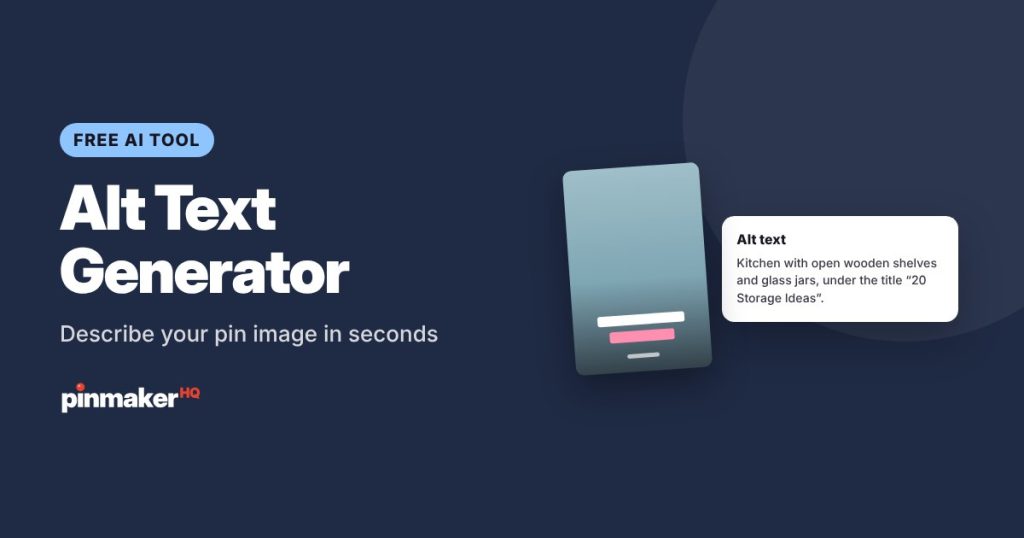
Upload your pin image and get 3 clear alt text options that describe what’s really in it, including any text on the pin. Alt text makes your pins accessible to people using screen readers and gives Pinterest another clear description of your image.
How to use the alt text generator
- Add your pin image. Drop it in, choose it, or paste it with Ctrl+V. It’s resized in your browser before it’s sent.
- Add context if you like: what the pin is about and the title on the image.
- Click Write alt text and copy the option you like.
- Paste it into Pinterest: when you create a pin, open More options and find Alt text.
You can also skip the image and just describe the pin. The alt text will then be based on your description.
What good alt text looks like
Alt text describes the image for someone who can’t see it.
| Weak | Better |
|---|---|
| Kitchen | Small white kitchen with open wooden shelves, hanging rails and labeled glass jars along the wall. |
| Image of a recipe pin | Bowl of chickpea curry with rice and fresh cilantro, under the title “30-Minute Chickpea Curry”. |
| boho bedroom boho decor boho ideas | Bedroom with a rattan headboard, white linen bedding, a jute rug and hanging plants by the window. |
Good alt text:
- Describes the main subject, setting and colors.
- Quotes short text that’s on the image.
- Is one or two sentences, well under Pinterest’s 500-character limit.
- Skips “Image of…”, since screen readers already say it’s an image.
- Describes the image instead of repeating keywords.
Why alt text helps
- Accessibility: people using screen readers can understand your pin.
- Clarity: Pinterest gets another accurate description of your image, which adds to your title and description.
- Quality: described images are a sign of a careful, complete pin.
Frequently asked questions
Is the alt text generator free?
Yes, with several free tries a day and no sign-up.
What happens to my image?
It’s shrunk in your browser and sent once to our AI service to write the description. We don’t publish it or keep it in a gallery.
How long can Pinterest alt text be?
Up to 500 characters. One or two sentences is usually right, and each result shows its length.
Where do I add alt text on Pinterest?
When creating a pin, open More options (or Advanced settings) and fill in Alt text. You can also edit an existing pin to add it.
More free tools