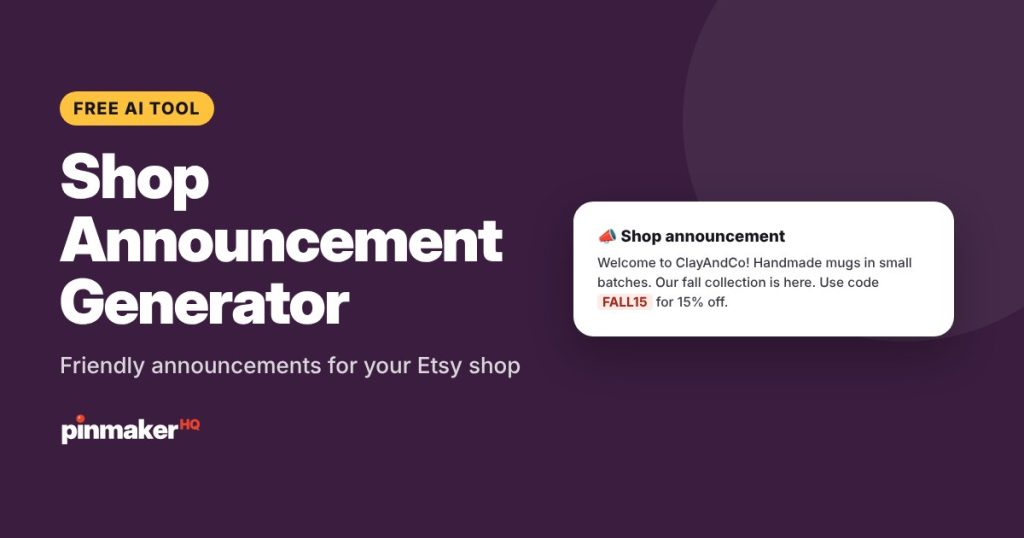
Write a better Etsy shop announcement in seconds. Get 3 friendly announcements, or copy one of the examples below. Each one welcomes shoppers, says what makes your shop special, shares your news or sale code, and invites people to favorite your shop.
How to use the shop announcement generator
- Add your shop name and what you sell.
- Say what you want to announce: a new collection, a sale code, shipping times or a holiday break.
- Pick a tone: helpful, bold, playful or elegant.
- Click Write announcements and copy your favorite.
- Paste it into Etsy: in Shop Manager, go to your shop’s Info & Appearance and edit the Announcement.
What to put in your announcement
| Part | Example |
|---|---|
| Welcome | Welcome to ClayAndCo! |
| What you make | Handmade stoneware mugs and bowls, thrown and glazed in small batches. |
| News or offer | Our fall collection is here. Use code FALL15 for 15% off. |
| Practical info | Everything ships within 3 business days. |
| Invite | Tap the heart to favorite the shop and see new pieces first. |
Ideas for every season
- New collection: introduce it and link to the section.
- Sale: give the code, the discount and the end date.
- Holidays: last order dates for delivery in time.
- Shop break: when you’re away and when orders resume.
- Milestone: thank customers for an anniversary or a sales milestone.
Update your announcement whenever your news changes. A current announcement shows shoppers the shop is active.
Etsy shop announcement examples
Copy and adapt these:
- Welcome: “Welcome to ClayAndCo! Every mug is handmade in small batches in our home studio. Favorite the shop to see new drops first.”
- Sale: “Fall sale is on! Use code FALL15 for 15% off everything until Sunday. Thanks for shopping small.”
- Holiday shipping: “Ordering for the holidays? Place orders by December 12 for US delivery before Christmas. Gift wrapping is free.”
- New collection: “Our new winter collection is here: cozy candles in five seasonal scents. Shop the collection below.”
- Vacation: “We’re taking a short break until June 10. You can still order, and everything ships as soon as we’re back.”
- Custom orders: “Looking for something personal? We love custom orders. Send us a message and we’ll reply within a day.”
How to add a shop announcement on Etsy
- Open Shop Manager and go to your shop’s settings or Info & Appearance.
- Find the Announcement field.
- Paste your announcement and save.
Update it whenever you have news: a sale, a new collection, shipping deadlines or a break.
Frequently asked questions
What should I write in my Etsy shop announcement?
A short welcome, what makes your shop special, and your current news, like a sale code, shipping deadline or new collection. Keep the most important line first.
Is the shop announcement generator free?
Yes, with several free tries a day and no sign-up.
How long should an Etsy announcement be?
Short enough to read at a glance. Two to four sentences, about 200 to 500 characters, works well.
Does the announcement help Etsy SEO?
Not much. It’s for shoppers who visit your shop. Your listing titles and tags matter most for search.
Will the tool keep my sale code exactly?
Yes, it’s told to quote codes exactly. Always double-check codes, dates and prices before you publish.
More free tools