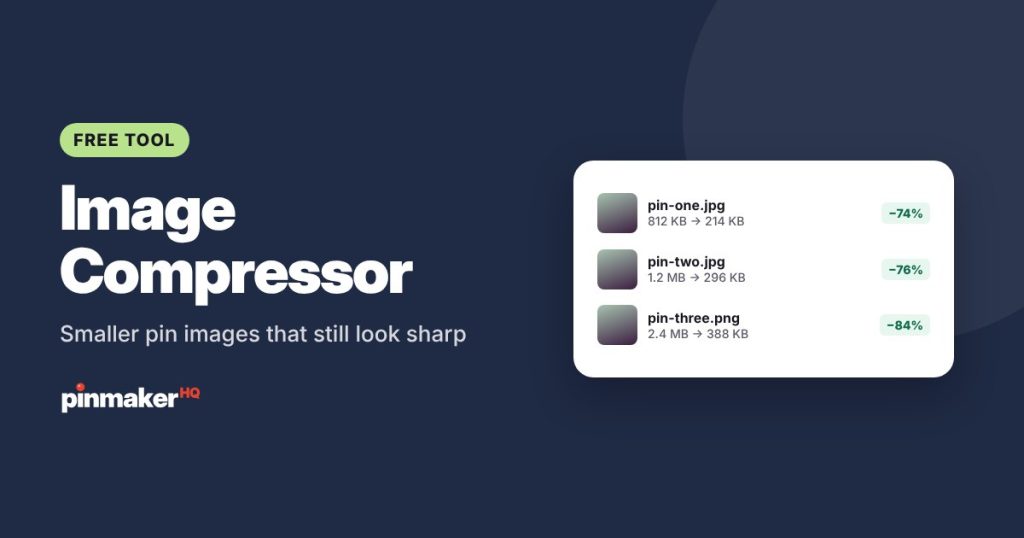
Make your pin images and blog photos smaller in seconds. Drop up to 30 images, pick a quality and maximum width, and download lighter JPG or WebP files. Everything happens in your browser, so nothing is uploaded.
How to compress images
- Choose your photos, or drop them into the box. You can add up to 30 at a time.
- Set the quality. 80% is a good balance of small size and sharp detail.
- Choose a maximum width. 1000 px matches a standard pin. Use Keep size to compress without resizing.
- Pick JPG or WebP.
- Download each file, or click Download all.
The list shows each file’s size before and after, plus the total you saved. Change any setting and every photo is compressed again.
Recommended settings
| You’re making | Max width | Quality | File type |
|---|---|---|---|
| Standard pins (1000 × 1500) | 1000 px | 80% | JPG |
| Tall pins (1080 × 1920) | 1500 px | 80% | JPG |
| Blog post photos | 1500 px | 75–80% | WebP or JPG |
| Product photos for a shop | 2000 px | 85% | JPG |
Why smaller images help
On your blog, large images are one of the most common reasons pages load slowly. A faster page keeps more of the visitors who click through from Pinterest, and page speed is part of how search engines judge a page.
On Pinterest, images up to 20 MB are accepted, but there’s no benefit to uploading huge files. A 1000 × 1500 pin at good quality is usually a few hundred kilobytes, which uploads quickly, even on a phone.
For your storage, compressed copies take a fraction of the space, which adds up when you make several pins for every post.
JPG or WebP?
- JPG works everywhere, including Pinterest, every website builder and every email app.
- WebP usually makes files 25–35% smaller than JPG at the same quality. Most websites and browsers support it. Use it for your blog when your site accepts WebP uploads.
PNG files with transparency are converted to a white background when saved as JPG. To keep transparency, keep the PNG.
Tips for the best results
- Resize before you compress. A 4000-pixel photo compressed at 80% is still much larger than a 1000-pixel one. The max width setting does both in one step.
- Don’t compress the same file again and again. Each round loses a little detail. Keep your originals and compress a copy.
- Check text-heavy pins up close. If small text looks fuzzy, raise the quality to 85–90%.
- Need a different shape? Use the Pinterest image resizer to crop a photo to 2:3 first.
Frequently asked questions
Is my photo uploaded to your server?
No. Compression happens in your browser and your photos stay on your device.
How many images can I compress at once?
Up to 30 at a time. Clear the list to start another batch.
Will compressing make my pin blurry?
At 75–85% quality the difference is very hard to see on a phone or computer screen, while the file is much smaller.
What’s the maximum file size for a Pinterest pin?
Pinterest accepts image files up to 20 MB, but a well-compressed 1000 × 1500 pin is usually well under 1 MB.
Is it free?
Yes, with no sign-up and no limits on the number of images.
More free tools