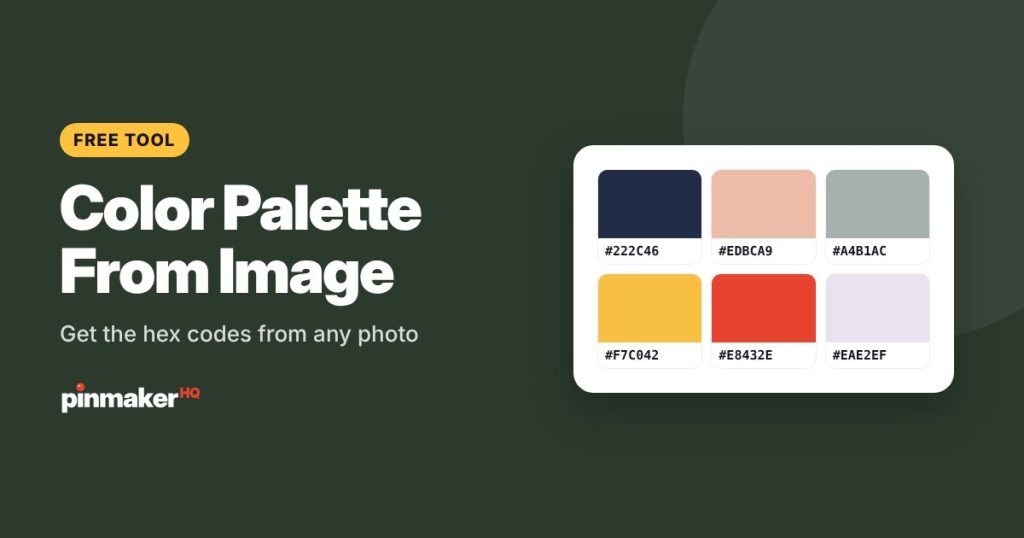
Upload any photo and this free color palette generator pulls its main colors as hex and RGB codes in a second. Click anywhere on the photo to add a color, copy the codes, and download the palette as an image. Perfect for matching your pin colors to your photos.
How to get a color palette from an image
- Choose a photo, or drop or paste it into the box.
- See the main colors. Each swatch shows its hex code, RGB values and how much of the photo it covers.
- Change the number of colors to 4, 6, 8 or 10.
- Click the photo to add any exact color you like, such as a small accent.
- Copy a code, copy all of them, or download the palette as a PNG.
Each swatch also tells you whether white or dark text is easier to read on that color, which is handy when you choose a title color for a pin.
How the colors are found
The tool shrinks a copy of your photo and groups similar pixels together, then takes the average color of each group. The biggest groups become your palette, sorted from most to least common. It runs in your browser, so the photo never leaves your device.
Small but striking colors, like a red mug in a beige kitchen, can be outnumbered by the background. If you don’t see a color you want, click it on the photo to add it.
Using your palette for pins
Pins look more polished when their colors come from the photo itself. Try this:
| Pin element | Pick from the palette |
|---|---|
| Title band or panel | A deep, dark color from the photo |
| Highlighted word | The brightest accent color |
| Background behind text | A light, soft color |
| Board covers | One shared color for a matching set |
In the free Pinterest pin maker, open the Style tab and paste a hex code into the band, text or accent color. To keep every pin on-brand, save your colors in the Brand tab.
Tips for better palettes
- Use a photo with good light. Dark or heavily filtered photos give muddy colors.
- Crop to the part you care about first. A tight crop of a product gives a palette of that product, not the table it sits on.
- Build a brand palette. Take three or four of your best photos, pull a palette from each, and keep the colors that show up again and again.
- Check contrast. Dark text on a light color, or white text on a deep color, keeps titles readable at thumbnail size.
Frequently asked questions
How do I pick a color from an image?
Upload your photo, then click anywhere on it. The color picker adds that exact color to your palette with its hex and RGB codes, ready to copy.
Is this color palette generator free?
Yes. It’s free with no sign-up and no limits.
Is my photo uploaded?
No. The colors are worked out in your browser and the photo stays on your device.
What’s the difference between hex and RGB?
They describe the same color in different ways. Hex is a six-character code like #E8432E, used by most design tools and websites. RGB lists the red, green and blue amounts from 0 to 255.
Why doesn’t the palette include a small color I can see?
Small areas can be outnumbered by larger ones. Click the color on the photo to add it to your palette.
Can I save my palette?
Click Download palette for a PNG with every swatch and its hex code, or Copy all hex codes to paste them anywhere.
More free tools